Why Does Your TV Turn On When You Start Your Game Console?
Your TV probably isn’t turning itself on. Your console may be telling it to, through a setting nobody thought to mention when you plugged in the HDMI cable.
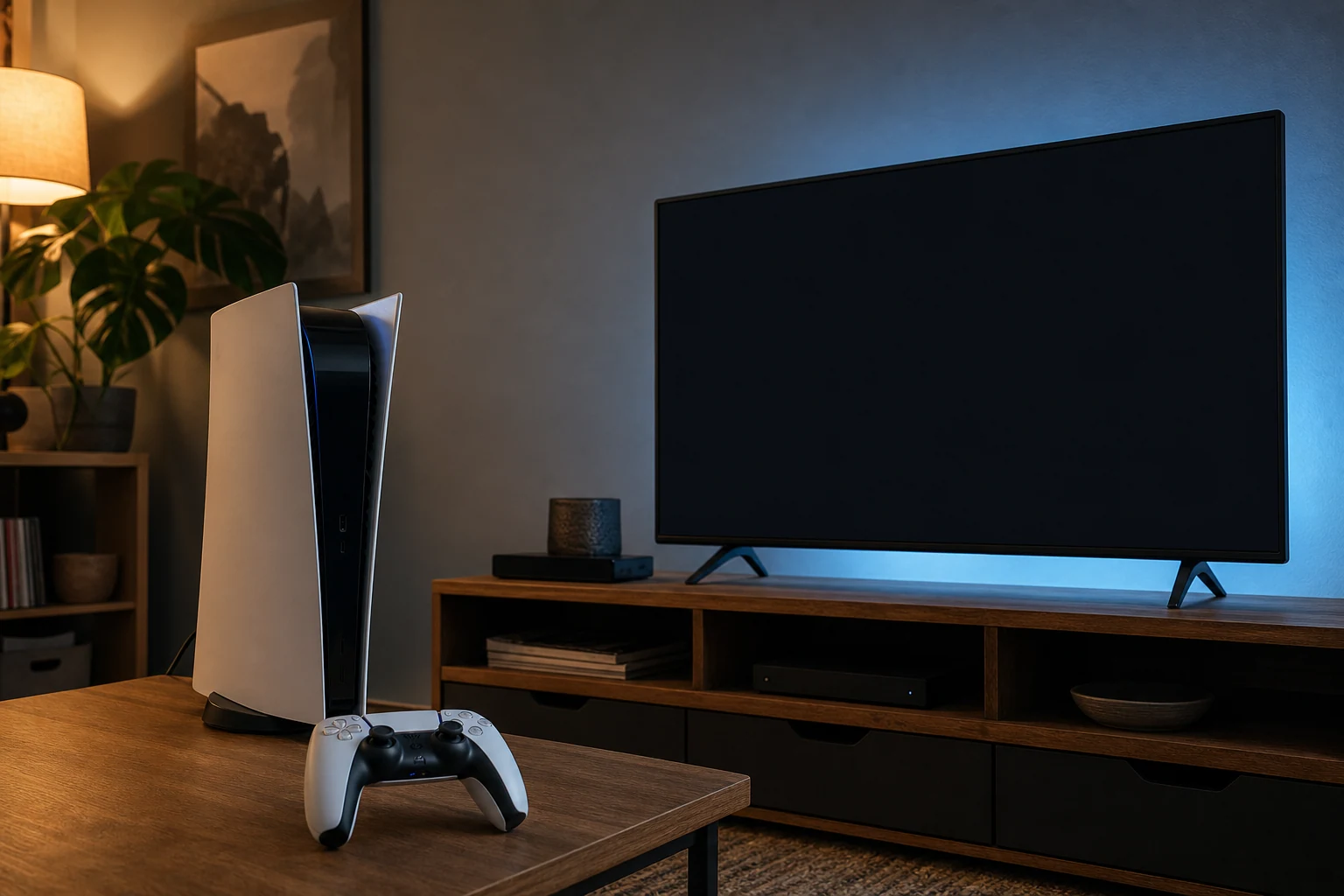
Your TV probably turns on because of HDMI-CEC, a feature that lets devices connected by HDMI control each other. Start the console, and it can tell the TV to wake up and switch to its input. Convenient when you want it. Slightly unsettling when you didn’t know the devices were having a conversation.
Before changing anything, check the pattern. Does the TV turn on only when you start the console? Does it switch straight to the console’s input? That points toward HDMI-CEC. If the TV turns on at random times when the console isn’t starting, this setting may not be your problem.
How to stop it
Look in the console’s settings for a section called HDMI, TV, device control, or power. Find an option that lets the console turn on the TV or switch its input, and turn off that option. The name and location depend on the console. Naturally, the setting responsible for turning on your television may not contain the word “television.”
If you can’t find a separate power option on the console, check the TV’s settings for HDMI-CEC or connected-device control. Some TVs let you turn off automatic power-on while keeping other controls. Others offer one switch for the whole feature.
Be aware that turning off HDMI-CEC entirely can also stop things you do want, such as controlling a connected sound system with the TV remote. If there’s a specific power-on setting, try that first rather than shutting off every HDMI control at once.
Test it by turning both devices off, then starting the console the way you normally do. If the TV stays off, you found the culprit. If it still turns on, check whether the console’s remote or another remote is set up to control TV power separately. An HDMI-CEC change won’t stop a remote that’s sending the TV its own power command.
If the TV only wakes when the console starts, neither device is necessarily broken. They’re probably doing exactly what a setting told them to do, without bothering to tell you about the setting.
The conversation
Have a thought? Add it below. Comments are reviewed before they appear.