Why Won’t Your Earbuds Pair With a Second Phone?
They may still be connecting to the first phone, or they may not be in pairing mode at all. Check those two things before deciding the earbuds are broken.
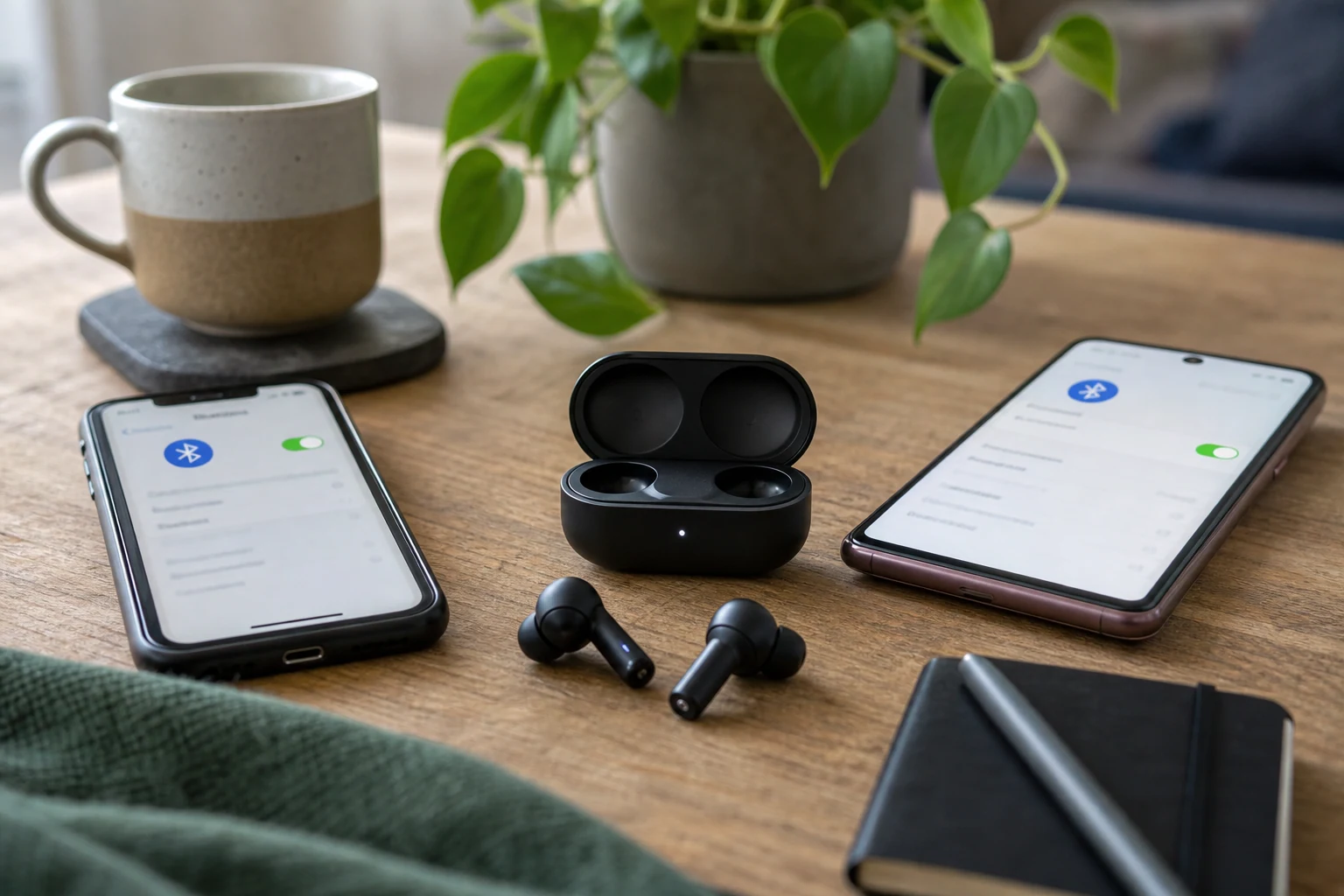
Your earbuds probably aren’t broken. If they work with one phone but won’t show up on another, they may be reconnecting to the first phone instead of waiting to pair with the second. Or they’re simply on, which is not always the same thing as being in pairing mode. Naturally, those are two different states you’re expected to recognize by a tiny blinking light.
Start with the phone they already work with. Turn off Bluetooth on that phone temporarily, then put the earbuds in pairing mode and search for them from the second phone’s Bluetooth settings. The way to enter pairing mode varies by model, so check the earbuds’ instructions if holding a button or opening the case doesn’t clearly do it. Don’t keep guessing at a sequence of taps until the lights start performing interpretive dance.
What happens next tells you where to look:
- The earbuds appear on the second phone and connect: They were probably busy with the first phone. You can turn Bluetooth back on there afterward, though the earbuds may switch back depending on how they handle connections.
- They appear but won’t connect: If the second phone shows them as already paired, use its option to forget or remove the earbuds, then put the earbuds back in pairing mode and try again. This clears the pairing saved on that phone, not a physical problem with the earbuds.
- They never appear: Make sure they have charge and are actually in pairing mode. If they still don’t show up, check the instructions for that exact model rather than assuming every case button does the same job.
Some earbuds can stay connected to two devices at once, but you can’t assume yours can. Being able to pair with two phones is not the same as being able to use both connections simultaneously. If that distinction matters to you, the model’s documentation is the place to check.
If the earbuds connect to the first phone but not the second, don’t replace them yet. Disconnect the first phone, confirm pairing mode, and try again. “Powered on” sounds like it ought to be enough. Apparently that would be too straightforward.
The conversation
Have a thought? Add it below. Comments are reviewed before they appear.