Can Your Phone Charger Actually Charge Your USB-C Laptop?
Maybe. The plug fitting is the easy part. Whether the laptop can charge through that port, and whether the charger can supply what it needs, is where things get annoying.
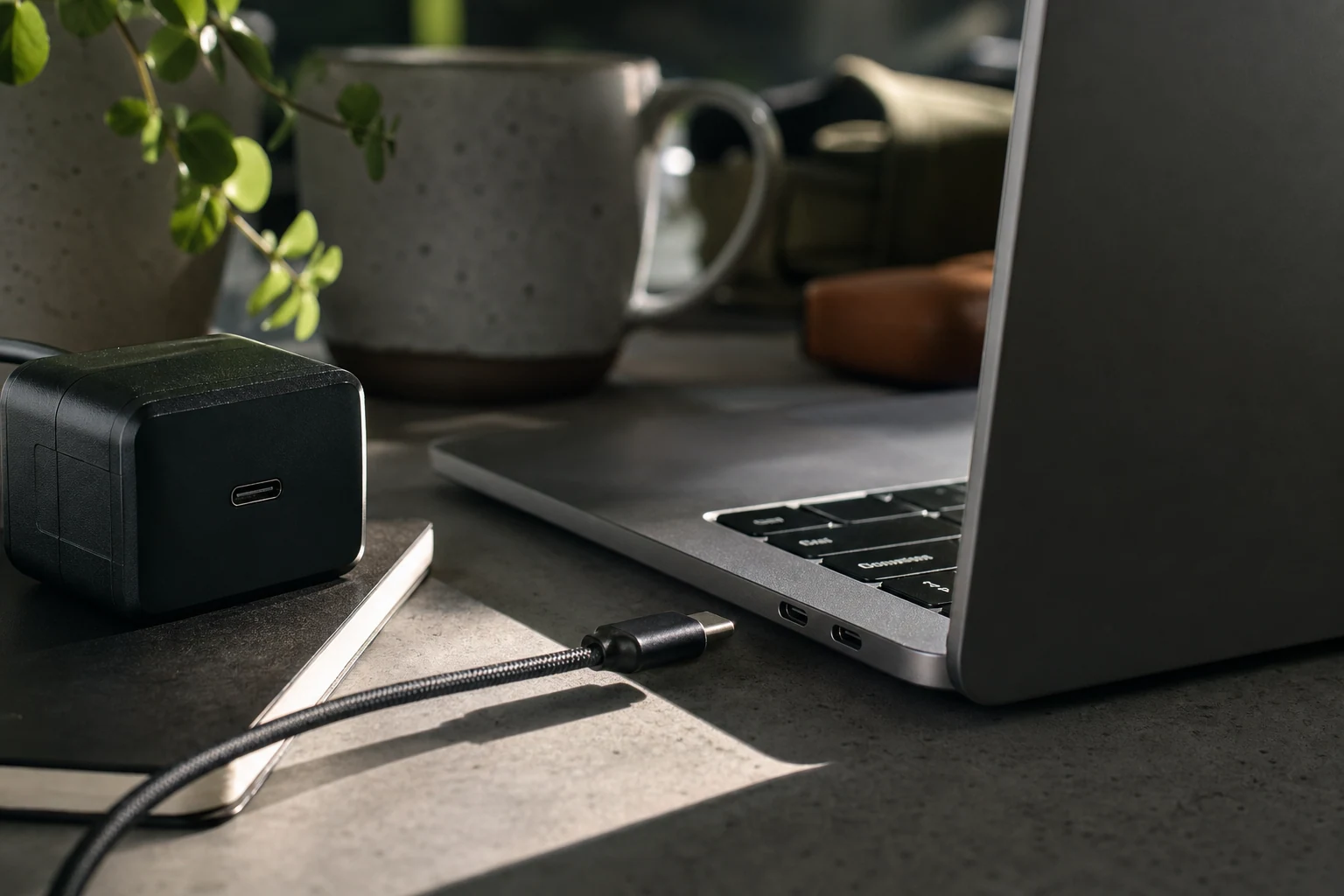
Yes, a phone charger can charge some USB-C laptops. But a USB-C plug fitting into a USB-C port doesn’t mean the laptop will accept a charge. Apparently the matching shape was only the beginning of the conversation.
First, make sure that particular laptop port supports charging. Some USB-C ports are for data or displays, not power coming in. Check the symbols beside the port or the laptop’s manual. If you’ve charged the laptop through that same port before, you can skip this bit.
Next, read the small print on the phone charger. Look for its output wattage and whether it supports USB Power Delivery, usually called USB-PD. Then check the laptop’s manual or original charger for its charging requirements. If the phone charger can’t provide a charging mode the laptop accepts, leaving it plugged in longer won’t talk the two into an agreement.
Even if the laptop accepts the charger, it may charge slowly, charge only while asleep or off, or lose battery while you’re using it. That last one looks like a failure, but the laptop may simply be using power faster than the charger supplies it. A charger with several ports can also share its available power when other devices are plugged in, so try it with only the laptop connected.
The cable matters too. A cable that charges your phone isn’t automatically suitable for every laptop charging setup. If the charger and laptop requirements appear to match but nothing happens, try a cable rated for the power you need. Don’t buy one blindly to compensate for a charger that was never going to do the job.
If the laptop won’t charge with a charger and cable known to meet its requirements, check the outlet and try another supported charging port, if it has one. Then look to the laptop maker’s guidance. But if your only evidence of trouble is that a little phone charger won’t run your laptop, don’t declare the laptop broken. The plugs agree on a shape. They may disagree on everything else.
The conversation
Have a thought? Add it below. Comments are reviewed before they appear.