Why Won’t Your USB-C Cable Put Your Laptop on the Monitor?
The plug fits, and the laptop might even charge. That still doesn’t mean the connection can carry a picture.
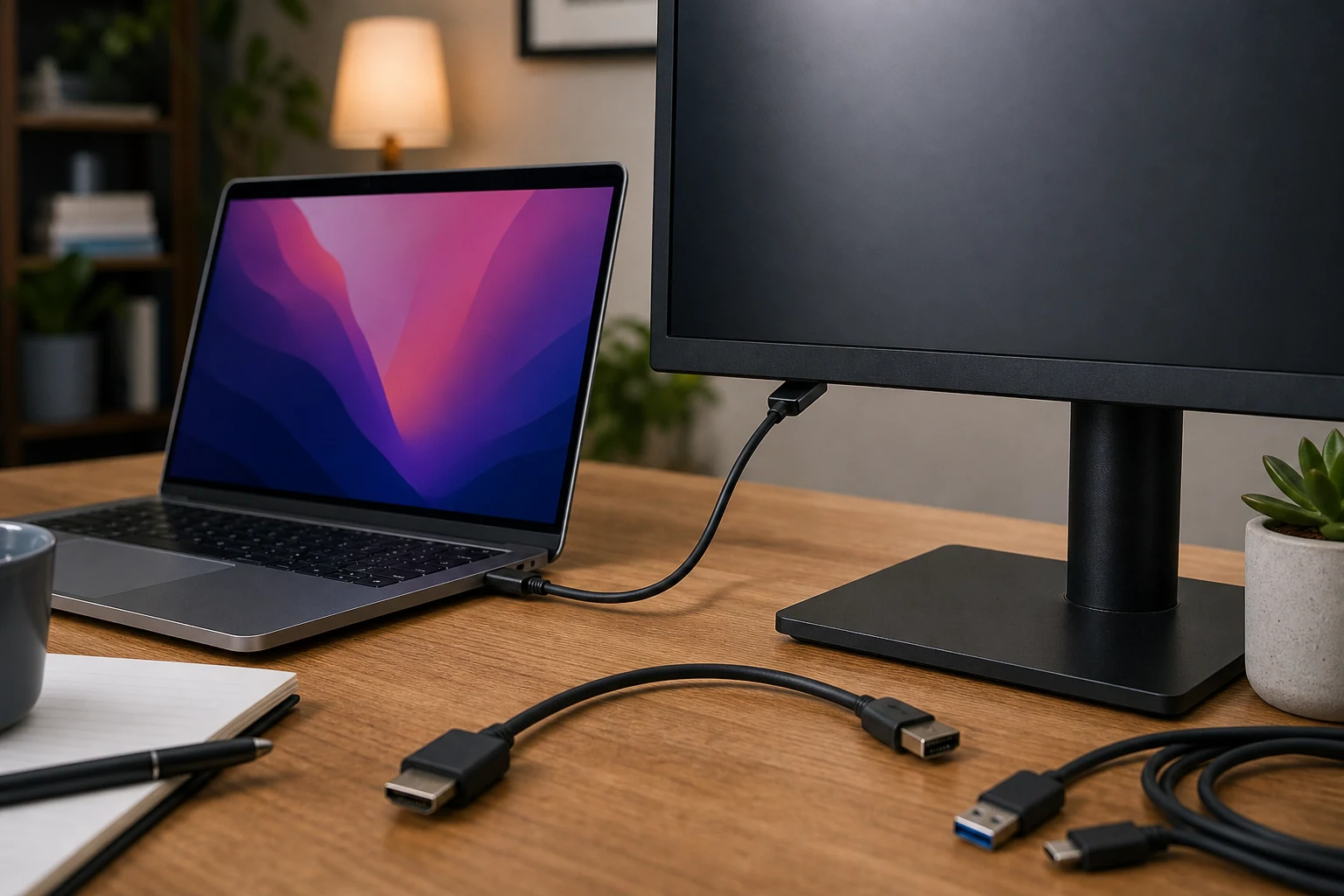
A USB-C cable won’t necessarily show your laptop screen on a monitor. The laptop’s port has to send video, the monitor’s port has to accept it, and the cable has to support it. USB-C describes the shape of the plug, not a promise that every plug-shaped hole does the same job. Helpful system.
Before buying another cable, check the specifications for your exact laptop and monitor models. Look for video output on the laptop’s USB-C port, often listed as DisplayPort Alt Mode. On the monitor, check that its USB-C port accepts video input. Some USB-C ports are there for data or charging, not a picture.
If either port doesn’t support video, a different USB-C cable won’t fix that connection. Use a video output and input the two devices actually support, such as HDMI, if they have them.
If both ports support video, try the simple checks:
- Select the right input on the monitor. Its menu may be set to HDMI while you’re using USB-C. A screen saying “No Signal” is at least telling you it’s awake. It isn’t telling you which end of the connection is at fault.
- Connect the laptop directly to the monitor. Leave any hub or dock out of the test. If the picture appears, check whether that hub or dock supports video through the port you were using.
- Check the cable’s stated capabilities. A cable that charges the laptop isn’t automatically a video cable. If you have one confirmed to support video, try that.
- Check the laptop’s display settings. In Windows, open Settings, then System, then Display, and look for the external screen. On a Mac, open System Settings, then Displays. The laptop may see the monitor but be set to show something other than what you expected.
If a known video-capable cable works directly but your original cable doesn’t, you’ve found a likely culprit. If nothing works, test another supported video connection if you can. That can show whether the monitor displays a picture, but it won’t prove its USB-C input works.
Start with the port specifications, not the shopping cart. A USB-C plug fitting perfectly proves surprisingly little, which seems like information that could have been put on the box.
The conversation
Have a thought? Add it below. Comments are reviewed before they appear.