ChatGPT Can Turn a Stack of Paper Into One PDF. If You Have the Button.
A new Scan option in the iPhone app puts several pages into one ChatGPT conversation. Handy, but it’s still rolling out.
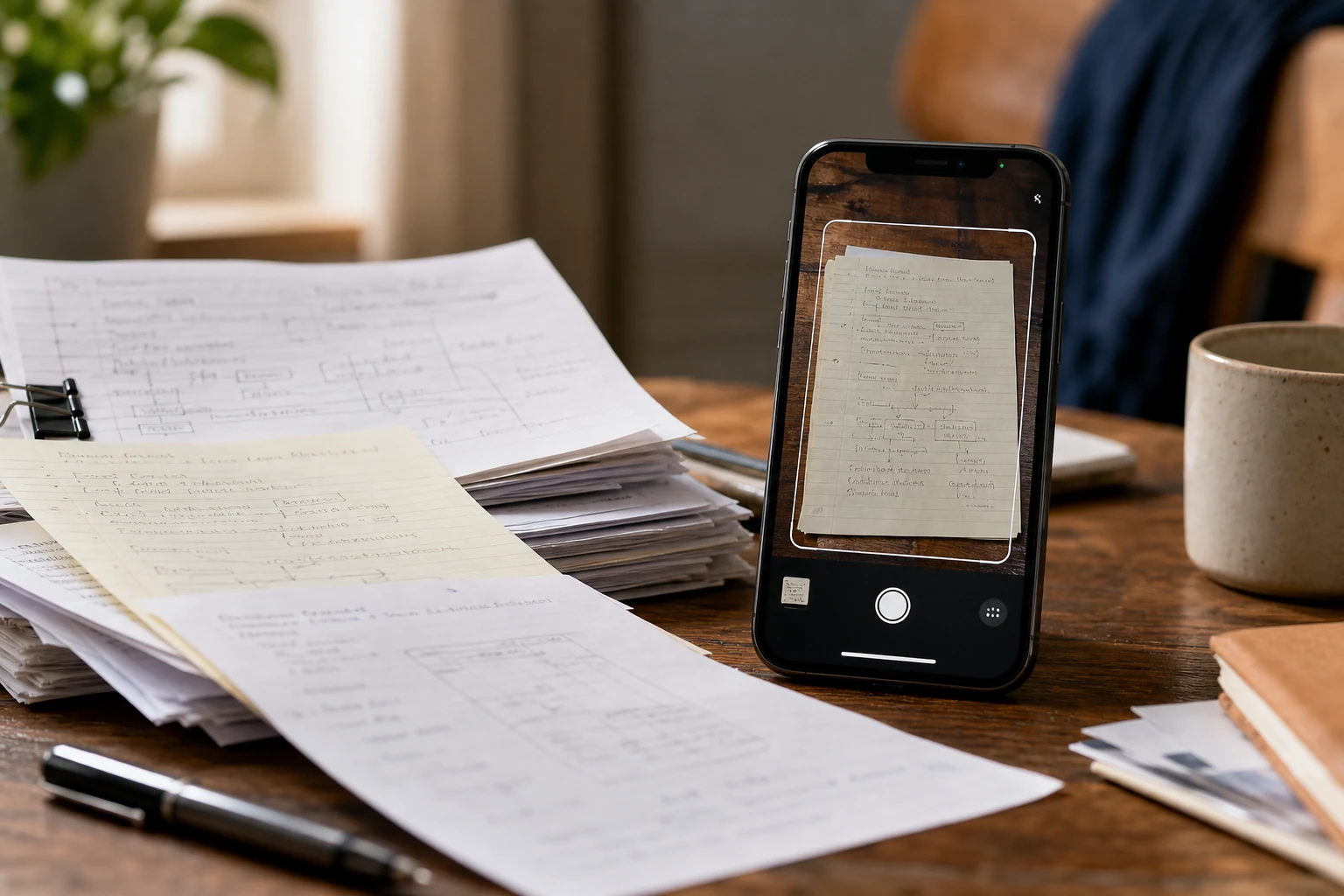
OpenAI added a Scan option to the ChatGPT iPhone app on October 1. Point the camera at several pages of paper, capture them one after another, and ChatGPT puts them into a single PDF you can upload to a conversation.
That’s useful if you’ve got a handful of meeting notes, a packet of instructions, or paperwork you’d rather ask questions about than read three times. Instead of attaching photos page by page, you can ask something specific, like: “List the dates and action items in these notes.”
To find it, open the camera in the ChatGPT iPhone app, tap the three-dot menu, and choose Scan. Capture your pages, upload the PDF, then ask your question. Check that every page made it into the file, and check ChatGPT’s answer against the paper before acting on it. It can misread a date just as easily as you can, only with more confidence.
There’s an access catch. According to OpenAI’s release notes, Scan is rolling out on iOS. That does not mean every iPhone user has the button yet. OpenAI has not announced Android availability for this Scan option.
There’s no separate Scan charge listed. PDF uploads work on Free and paid plans, though upload limits vary. On Free, the limit is three file uploads per day, so scanning three packets and uploading each as a PDF could use up the day’s allowance.
Also, the PDF scanner itself isn’t the breakthrough here. Apple already lets iPhone users scan multiple pages into a PDF. The improvement is getting that PDF straight into a ChatGPT conversation without making a separate file first. Apparently the revolutionary part was fewer taps.
Think before uploading anything confidential, particularly someone else’s information. OpenAI says switching off “Improve the model for everyone” stops new conversations from being used for model training, but it doesn’t delete chats you’ve already saved. Files kept in Library may need to be deleted separately.
If Scan shows up in your iPhone app and you regularly need answers from paper documents, it’s worth using. If it doesn’t, you’re not missing a new kind of AI. You’re missing a convenient shortcut.
Information checked: October 7, 2026.
Sources
- ChatGPT - Release Notes (2026-10-01)
- ChatGPT now scans multiple pages into a PDF - only on iPhones (2026-10-03)
Information checked: October 7, 2026.
The conversation
Have a thought? Add it below. Comments are reviewed before they appear.