ChatGPT Is Adding Account Switching to Its Phone Apps. Your Chats Aren’t Coming Along.
If you keep separate work and personal accounts, this saves some logging in and out. It does not combine your chats or let you share a paid plan.
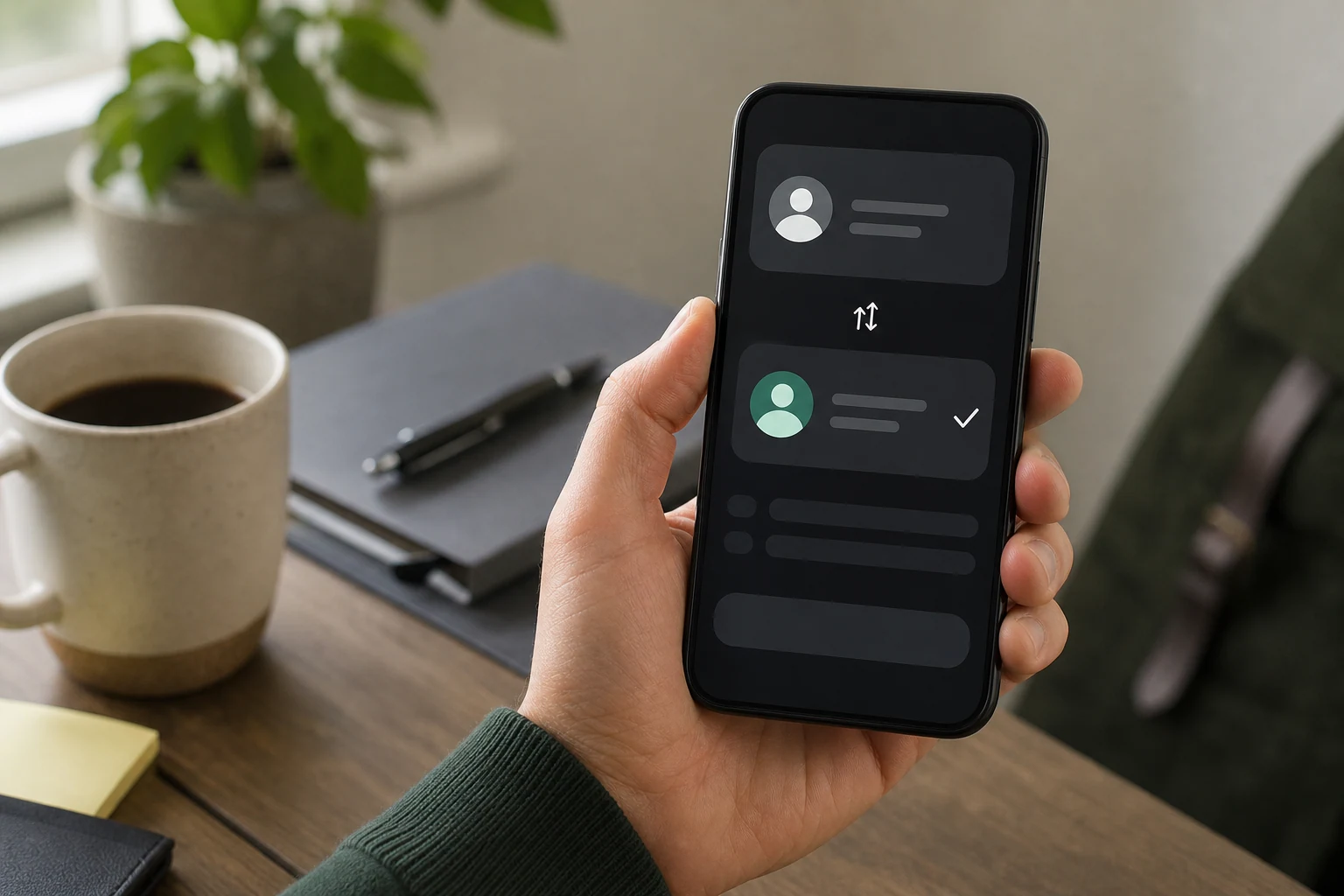
If you use one ChatGPT account for work and another for your own stuff, the phone app is getting a small but welcome fix: you can keep both signed in and switch between them.
OpenAI announced the mobile rollout on October 30, 2026. Account switching already existed on the web. The change is that it’s coming to the iPhone and Android apps, where signing out and back in has been the less-than-elegant alternative.
To check whether you have it, open the app’s Settings and look for Switch account, then Add account. You can keep two accounts signed in, though only one is active at a time. If the option isn’t there, the rollout may not have reached you. OpenAI hasn’t given a completion date.
Here’s the part worth paying attention to: switching accounts doesn’t move anything between them. Your chats, files, memory, workspaces and billing stay with their respective accounts. So does a paid subscription. OpenAI also says a subscription bought through Apple or Google Play is tied to the store account and the ChatGPT account used to buy it. Check which account is active before you start a conversation or pay for anything. OpenAI’s account guide explains the limits.
You can create a second account without paying; it starts on Free. One more wrinkle: an Enterprise workspace owner can disable switching for a managed account.
For people separating work from personal use, this is genuinely useful. It saves a tedious login routine. Just don’t mistake the switch for a way to combine accounts or carry one subscription between them. The button changes which account you’re looking at. That’s the whole trick.
Information checked: November 3, 2026.
Sources
- ChatGPT release notes (2026-10-30)
- Using multiple ChatGPT accounts on web and mobile (2026-11-02)
Information checked: November 3, 2026.
The conversation
Have a thought? Add it below. Comments are reviewed before they appear.