ChatGPT Now Makes Flashcards You Can Actually Flip
The built-in flashcards work on free and paid plans, with saved decks and answers you reveal yourself. Useful for studying, provided you check what you’re about to memorize.
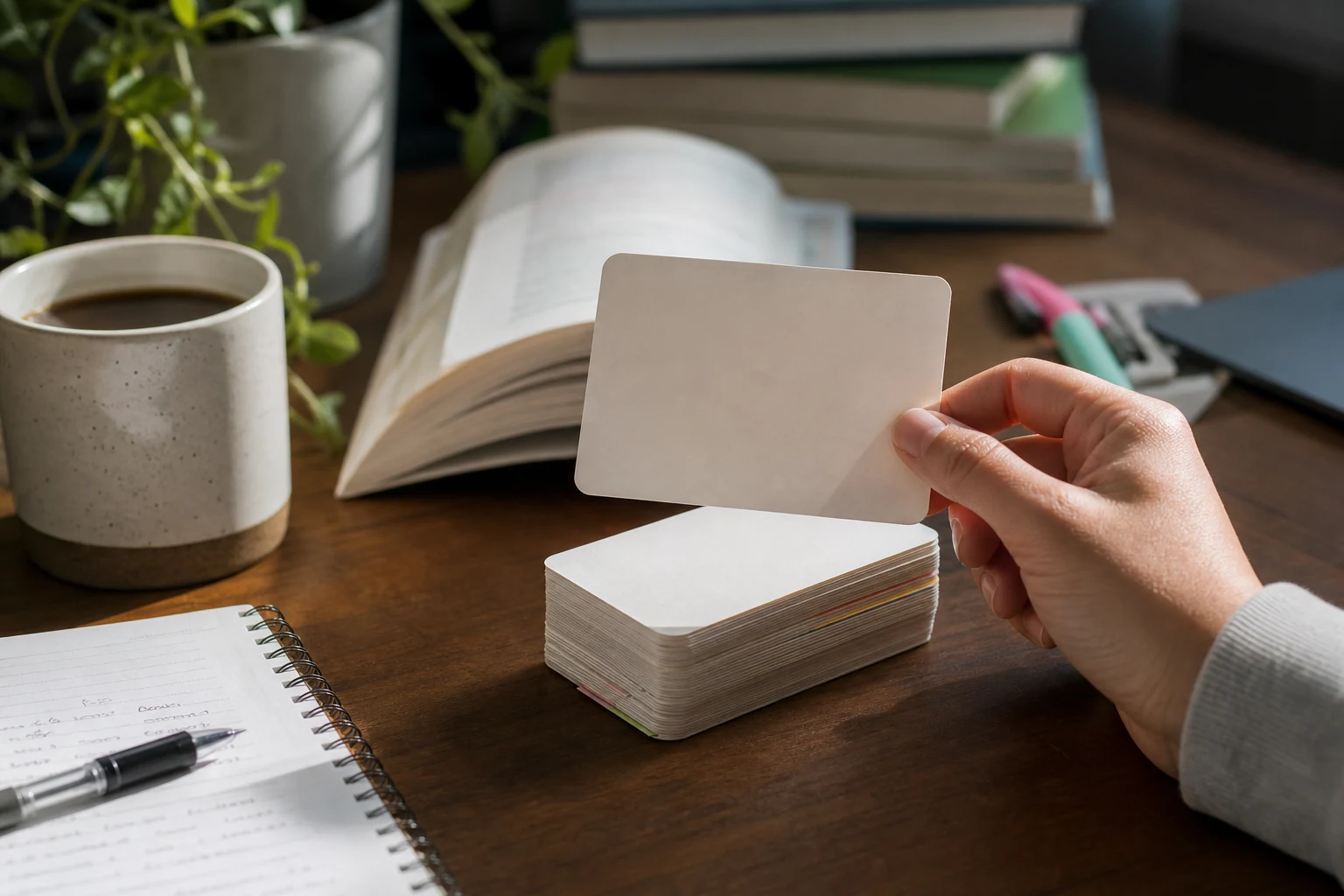
Ask ChatGPT for flashcards and you can now get actual cards you flip, not a long list of questions with the answers sitting right underneath. Small distinction. Fairly important when you’re trying not to peek.
On September 22, 2026, OpenAI announced interactive flashcards inside ChatGPT. You can create a deck from a topic or uploaded notes, reveal answers, mark whether you knew them, shuffle the cards, and save the deck for another round.
According to OpenAI’s ChatGPT release notes, the feature is available on all ChatGPT plans, on mobile and web. That includes the free plan. No paid subscription is required for access, and the checked documentation lists no separate flashcard charge.
The useful part isn’t writing the questions
A chatbot producing a question-and-answer list isn’t much of a revelation. The useful change here is having a built-in way to practice: look at a question, try to recall the answer, then flip the card and see how you did.
That could help with vocabulary, class notes, or the workplace training material you read on Tuesday and somehow misplaced inside your own head by Wednesday.
For example, you could turn training notes into cards about equipment names and their purposes. Or make a vocabulary deck with a word on the front and its meaning on the back. Keep each card focused on one thing. A paragraph with six questions stuffed into it is homework wearing a smaller hat.
Try it with notes you can check
Start a ChatGPT conversation, attach your notes, and ask for interactive flashcards. Here’s a copyable prompt to try:
Create 15 interactive flashcards using only these notes. Put one question on each front and a short answer on the back. Flag unclear information instead of filling gaps.
This is an ordinary prompting technique, not a special command. It asks ChatGPT to use the built-in flashcard feature while keeping the content tied to your material. The instruction to flag gaps is a precaution, not a guarantee of accuracy.
You should expect a deck you can work through one card at a time. Read the question, answer before flipping, then mark whether you knew it. You’re assessing yourself. ChatGPT isn’t automatically grading your knowledge.
OpenAI’s flashcards help page also describes shuffling cards, requesting edits through follow-up instructions, and reopening saved decks from Library. If an answer is too wordy, ask for shorter answers. If a card combines several facts, ask to split it.
Check the deck before you memorize the mistakes
OpenAI explicitly warns that the cards can contain errors. Compare them with your original material and request corrections before repeatedly drilling the answers. Getting very good at remembering the wrong thing is not the goal.
The checked sources don’t establish scheduled spaced repetition, which means automatically bringing cards back at planned intervals. They also don’t establish offline practice or compatibility with other flashcard apps. Don’t assume those extras are included.
There are some availability details left unspecified, too. OpenAI doesn’t list flashcard-specific quotas, regional exclusions, or minimum app versions in these sources. “All plans” tells you who gets feature access. It doesn’t promise unlimited use or confirm availability in every country.
SpillbyBill takeaway
This is worth trying if you already have material to learn and want less fuss turning it into practice questions. Students, language learners, and people reviewing workplace training have an obvious use for it. The catch is simple: check the cards first, and don’t mistake a convenient study tool for proof that you’ve mastered the subject.
Sources
- ChatGPT - Release Notes (2026-09-22)
- Flashcards in ChatGPT (2026-09-24)
Information checked: October 4, 2026.
The conversation
Have a thought? Add it below. Comments are reviewed before they appear.